
01Upload clothes
Items
Upload a garment image, choose a preset model, and start a private try-on in seconds
Loading workspace...
Let fashion sellers, creators, and shoppers preview outfits faster


Product Features
The page focuses on the search intents that matter most: realism, easy setup, more control over model choice, and a faster path from flat garment photo to useful preview.
Show fabric drape, folds, lighting, and body shape more naturally, so outfits feel closer to a real product preview instead of a flat overlay.
Built for people who want a believable look preview before they commit to a shoot or a purchase.
Replace mannequins, generic models, or outdated photos in one click to create cleaner product visuals for stores, ads, and social content.
The workflow stays quick, which is why fashion teams use it for launch prep, seasonal refreshes, and campaign testing.
Pick models that match your audience, or upload your own photo to create virtual try-on results that feel more personal and more useful.
This makes the tool useful for both shoppers comparing outfits and sellers building catalog-ready images.
How It Works
Three simple steps are enough to create a strong preview for shopping, product pages, or campaign content.
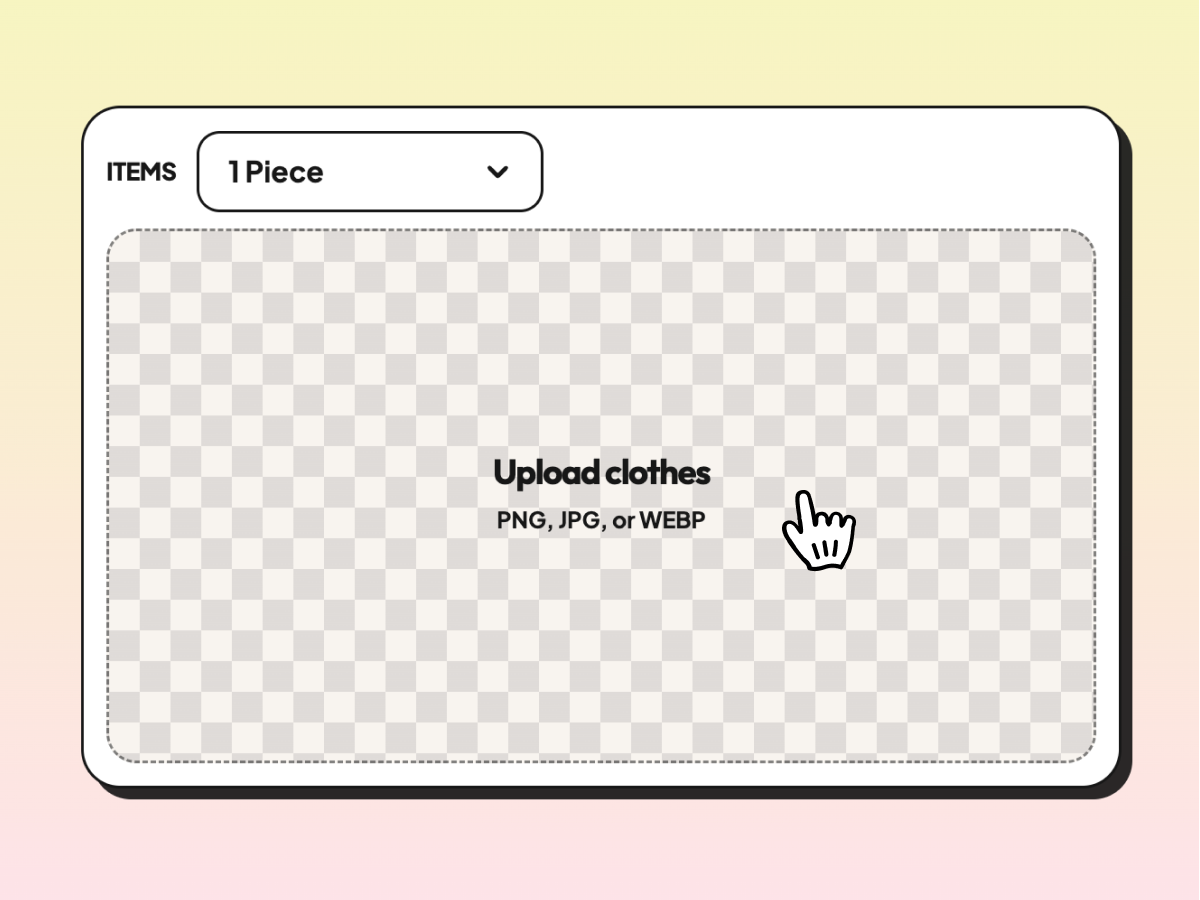
Start with a clean image of one item or a full outfit. Tops, dresses, jackets, and styled looks work best.
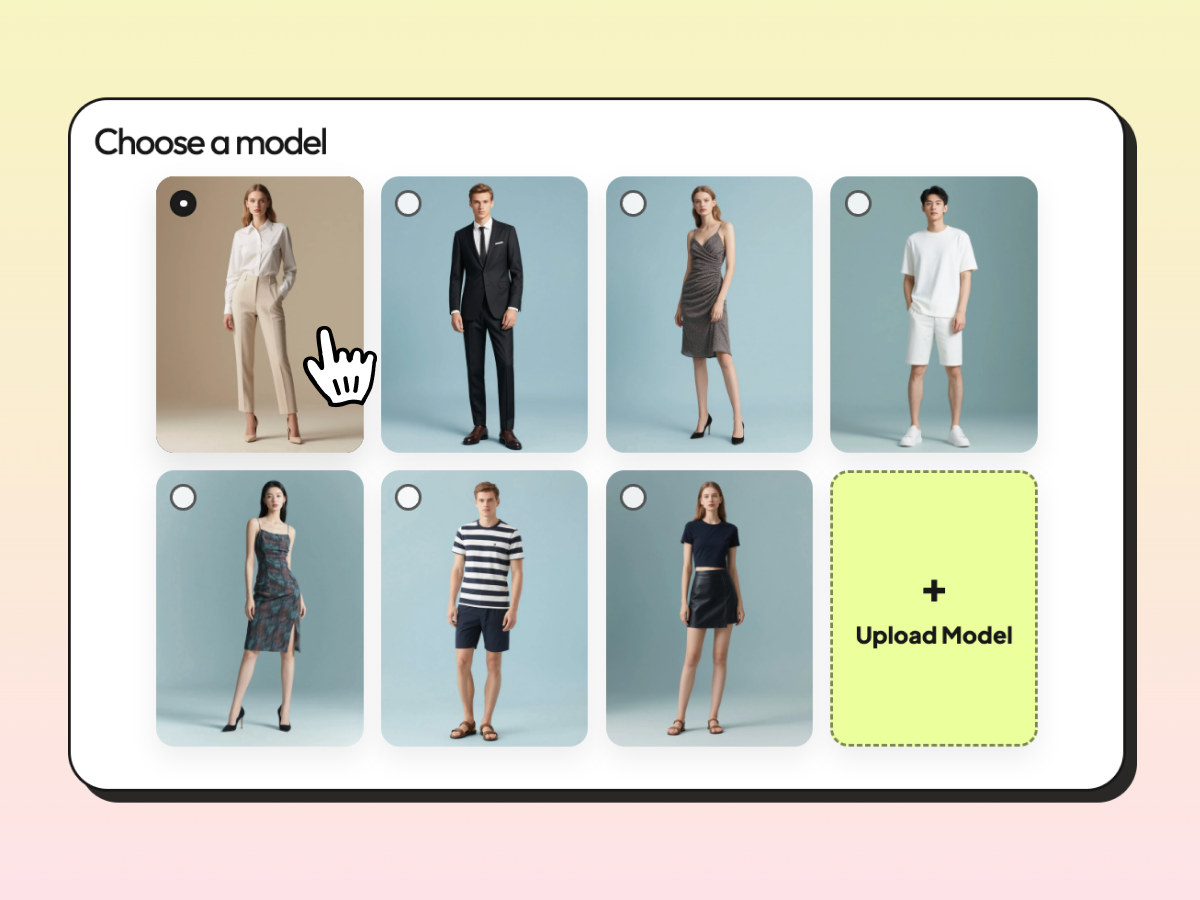
Select an official AI model or use your own model photo when you need a more personal or brand-specific result.
Create the try-on image, compare options, and use the final result for shopping decisions, ecommerce pages, or marketing.
User Showcase
See how sellers across different channels present polished try-on results with a simple, consistent preview format.
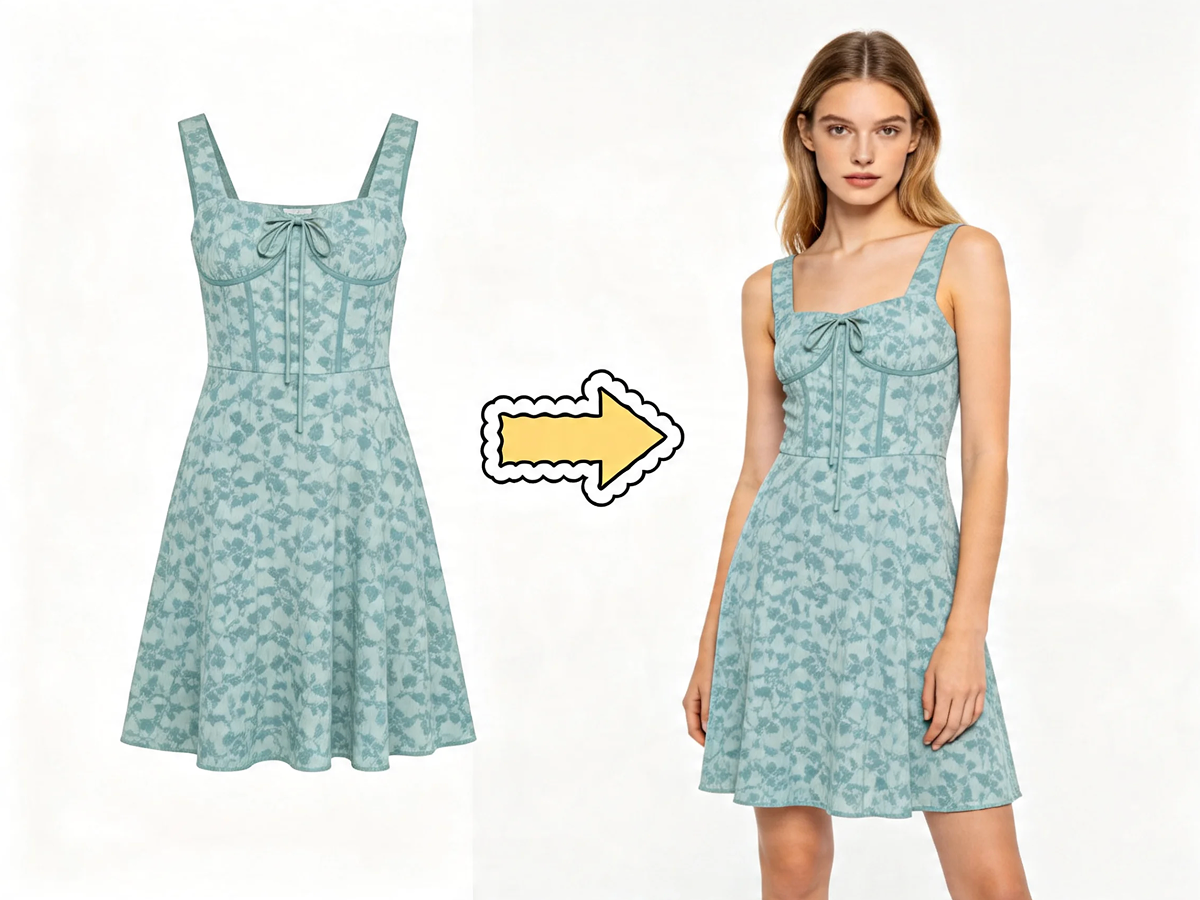

Shopify Seller Li***@gmail.com
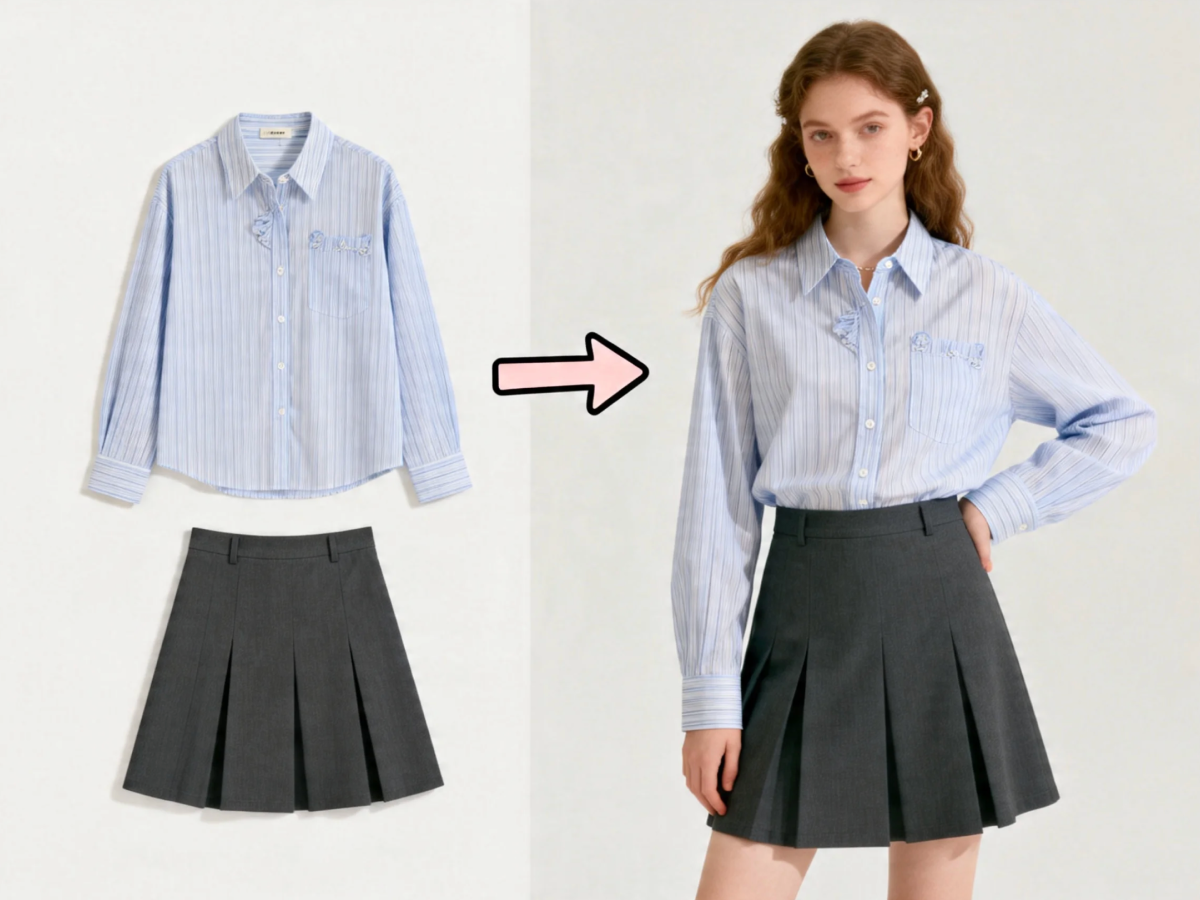

Amazon Seller Fa***@gmail.com
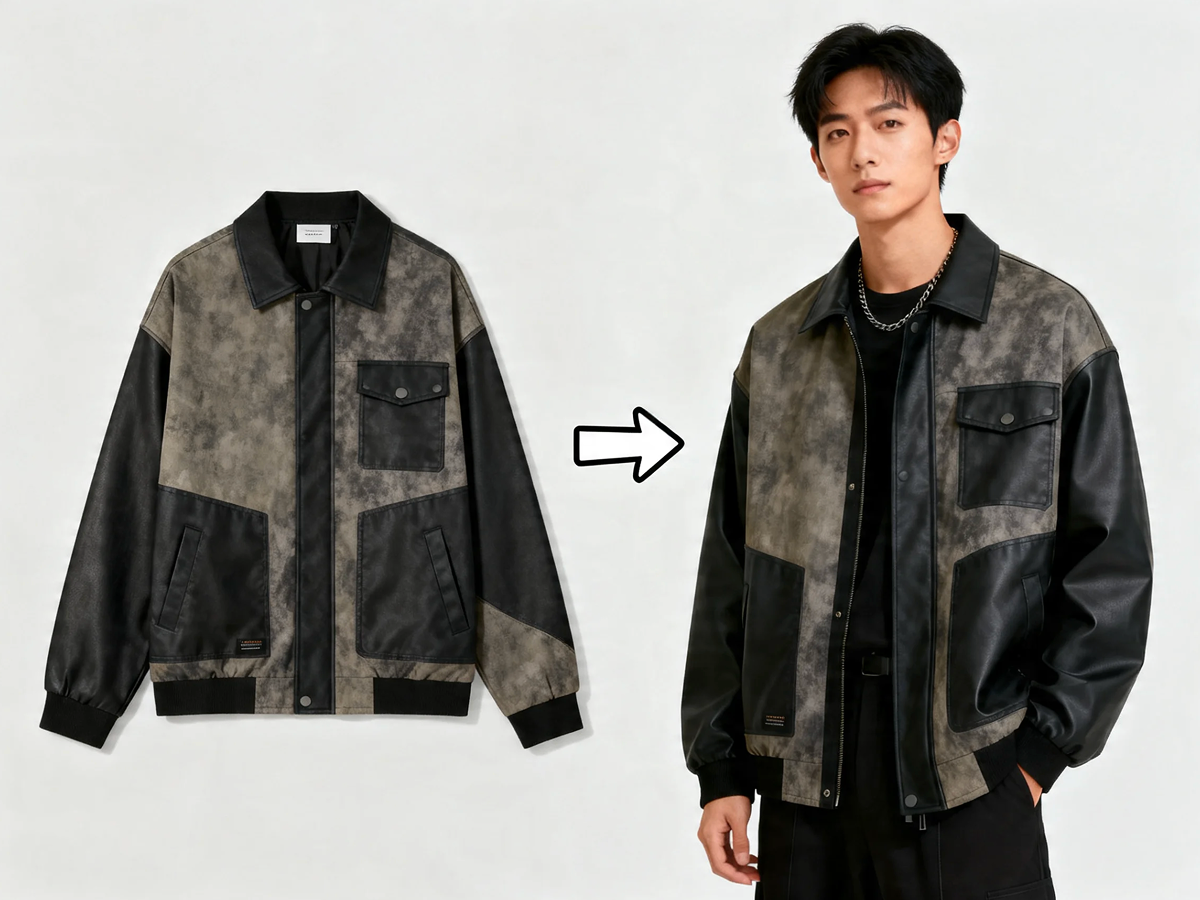

Instagram Seller On***@gmail.com
Comparison
Traditional shoots take time, samples, models, editing, and budget. AI virtual try on helps you test more looks faster, create more variations, and get useful previews before you commit to a full shoot.
Faster first draft visuals
Lower cost for routine catalog updates
More model and styling variations
Better for quick decision support, not exact tailoring
User Voices
“We used AIAI to test new outfits before booking a studio day. It cut our first-pass review time dramatically.”

“The virtual try-on flow is fast enough for product teams and simple enough for creators who just want better previews.”

“Our shoppers care about realism and privacy. The upload-first workspace helped us explain the value in one screen.”

One-time Purchase
Pay as you go. Top up credits anytime and keep generating cleaner try-on previews.
FAQ
Upload a clothing image, choose a model or add your own photo, and generate a preview. A free entry point matters because many users want to test realism before they commit.
It is useful for seeing style, silhouette, color balance, and overall vibe. It should be treated as a visual decision tool, not a replacement for exact sizing or tailoring.
They overlap, but AI virtual try on usually focuses on realistic outfit previews, while an AI clothes changer can also mean fast wardrobe edits or model swaps inside an image.
Yes. That is important because users trust results more when the body, face, or brand model feels closer to the real buyer or target audience.
Yes. The page supports both single-garment and multiple-garment flows so users can test simple catalog items or complete outfits.
Tops, dresses, jackets, knitwear, and many full outfits work well. Clean product photos with visible edges usually create the best try-on result.
No. The experience is browser-based, with no design software, no editing experience, and no complicated setup required.
Yes. The page answers this near the uploader and again here because privacy is a repeated concern. Uploads should stay simple, secure, and under your control.
Yes. Virtual try-on images work well for ecommerce listings, landing pages, social posts, and ad testing when a team needs more variations quickly.
No. It helps people judge style and presentation faster, but sizing charts, measurements, and product details still matter for final purchase decisions.


