
01Upload clothes
AI Clothes Swapper & Virtual Try-On
Upload clothes, choose or upload a model, and use an AI outfit generator to create realistic virtual try-on images in seconds
Loading workspace...
Upload Model
Upload a garment
A virtual fitting room for sellers, creators, and shoppers to preview outfits faster








Product Features
Why This AI Clothes Swapper Works Better
Built for high-intent searches like clothes swapper, AI outfit generator, virtual fitting room for sellers, and virtual try-on: realistic results, easy uploads, flexible model choice, and a faster path from garment photo to useful preview.
01
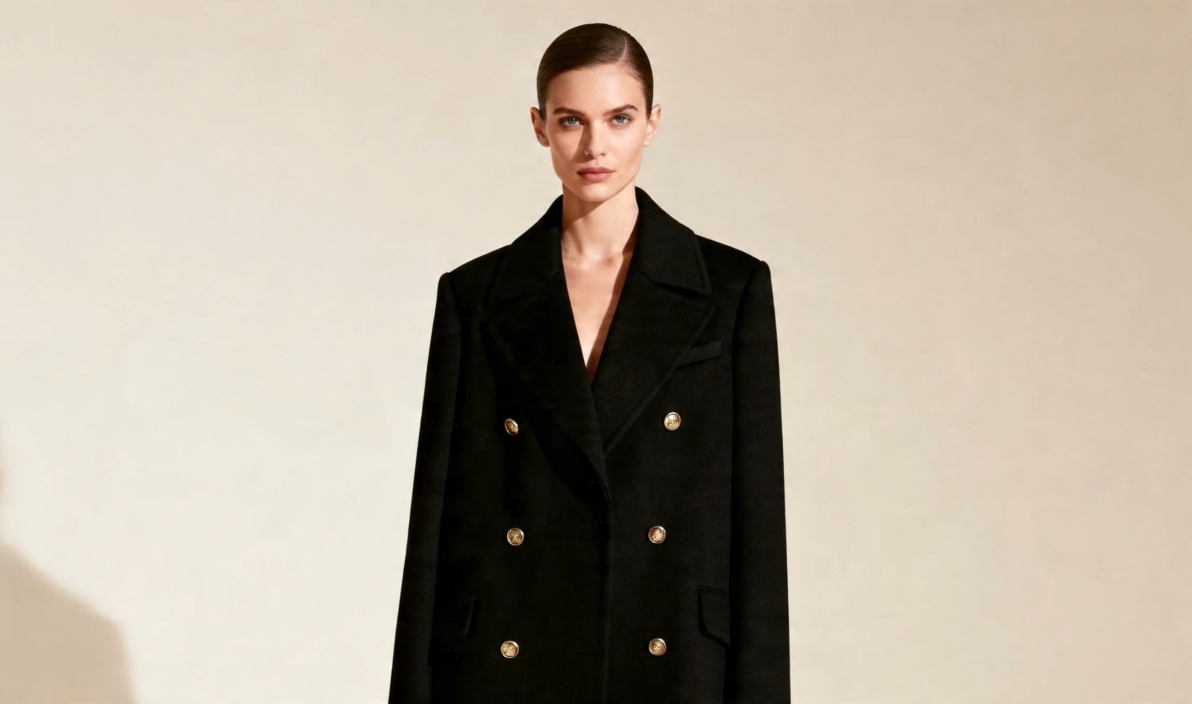
Realistic AI Clothes Swapper Results
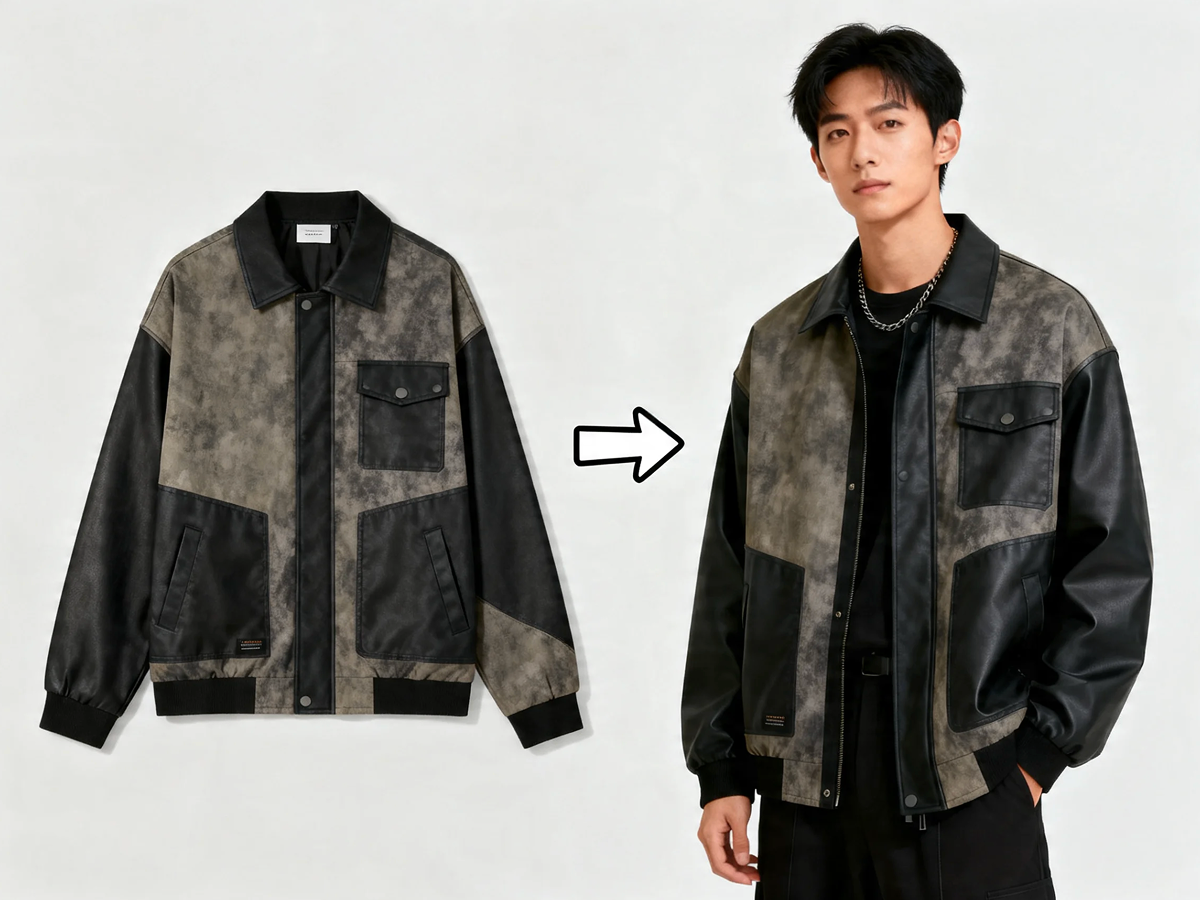
Swap clothes onto a model while preserving fabric drape, folds, lighting, and body shape, so outfits feel closer to a real product preview instead of a flat overlay.
Built for people who want a believable look preview before they commit to a shoot or a purchase.
02
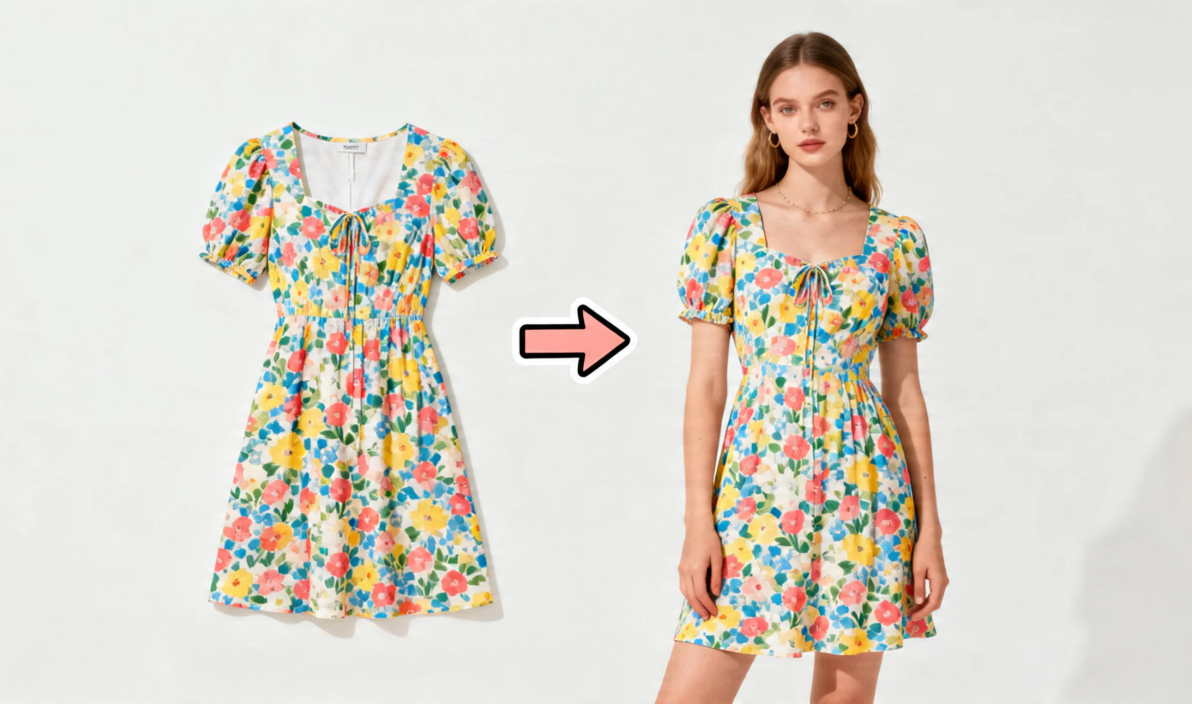
AI Clothes Changer for Fast Outfit Swaps
Use the clothes swapper AI workflow to replace mannequins, generic models, or outdated photos and create cleaner product visuals for stores, ads, and social content.
The workflow stays quick, which is why fashion teams use it for launch prep, seasonal refreshes, and campaign testing.
03
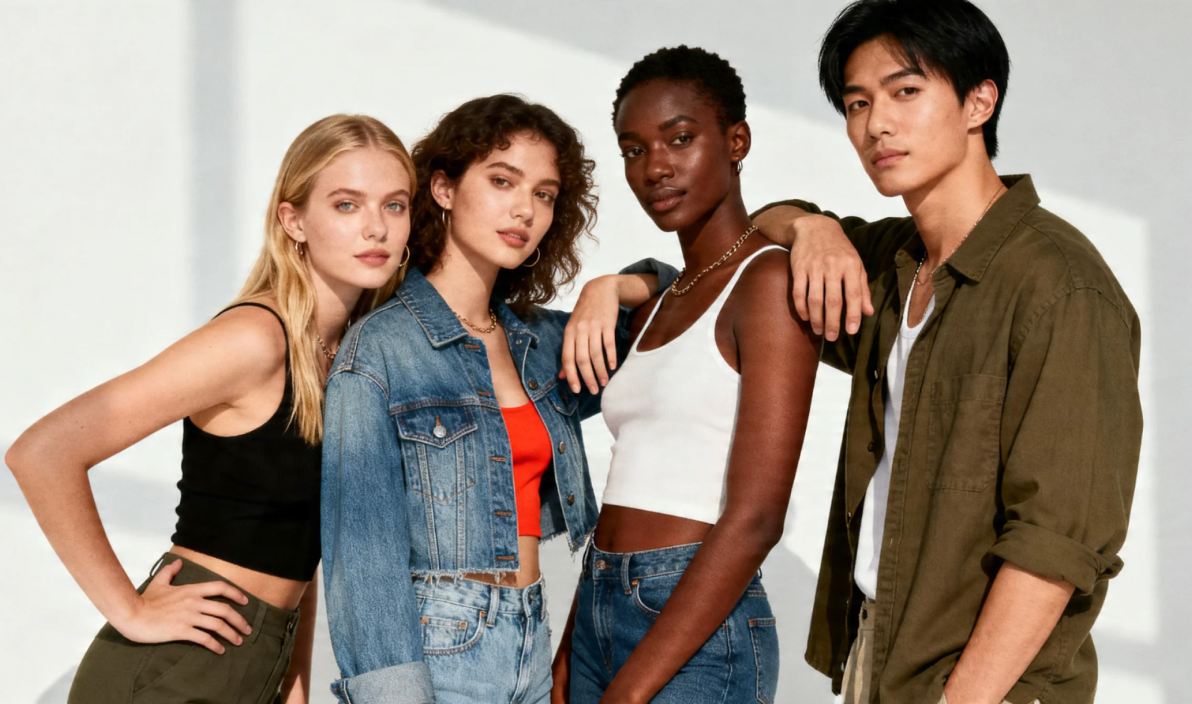
Custom AI Fashion Models for Your Brand
Pick models that match your audience, or upload your own photo to create AI clothes swapper results that feel more personal and more useful.
This makes the tool useful for shoppers comparing outfits and sellers who need a virtual fitting room for catalog-ready images.
How It Works
How the AI Clothes Swapper Works
Three simple steps are enough to swap clothes online, generate outfit ideas with AI, and create a strong preview for shopping, product pages, or campaign content.
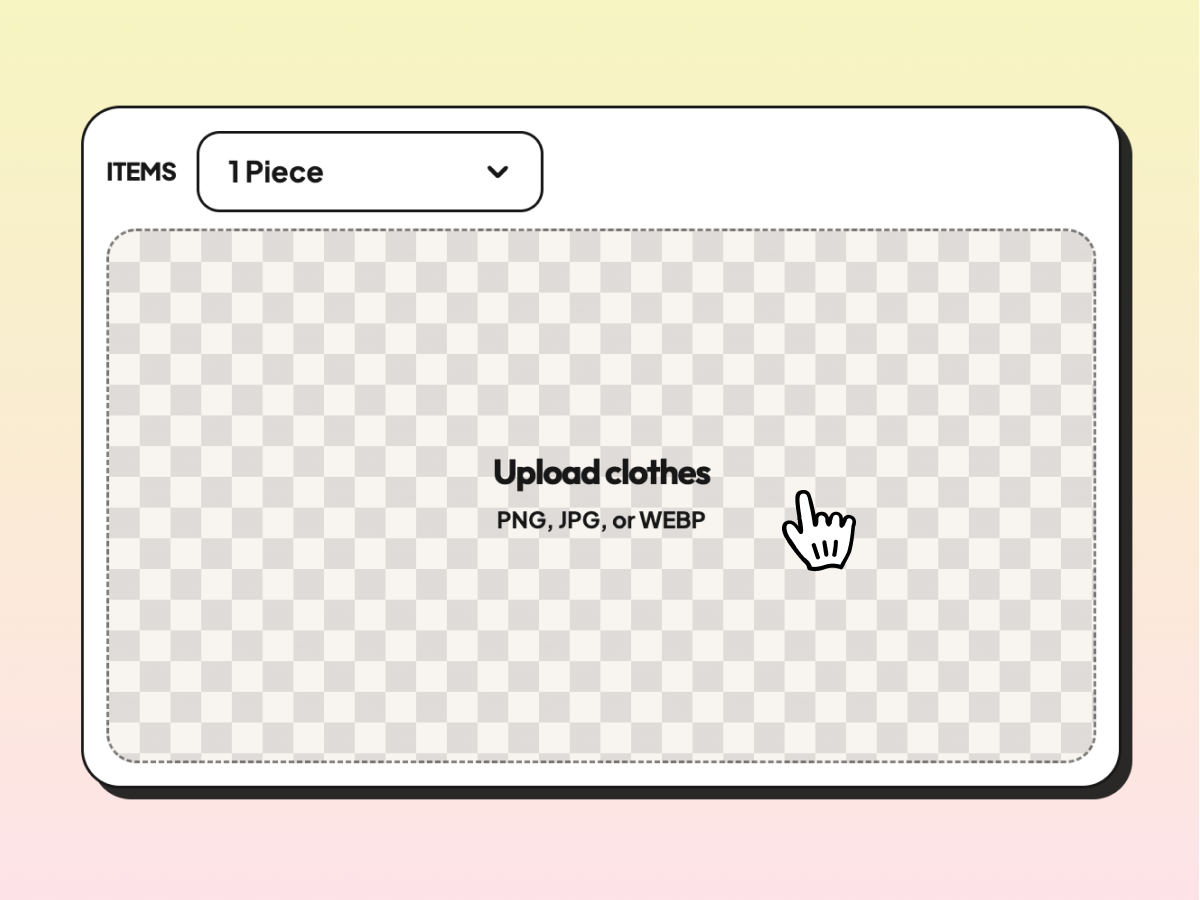
Step 1
Upload Your Clothing Photo
Start with a clean image of one item or a full outfit. Tops, bottoms, dresses, jackets, and styled looks work best.
Step 2
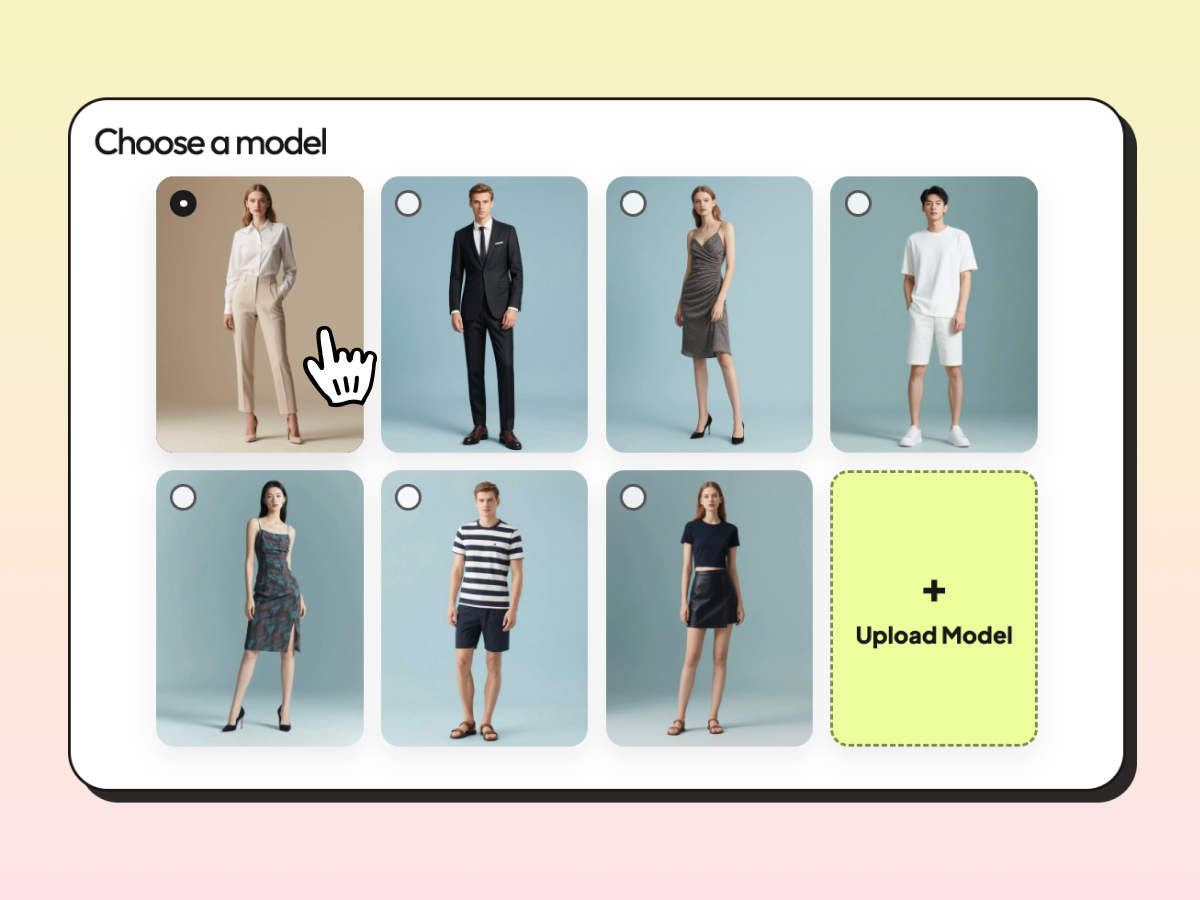
Choose a Model or Upload Your Own
Select an official AI model or use your own model photo when you need a more personal or brand-specific clothes swap result.
Step 3
Swap Clothes, Compare, and Download
Generate the AI try-on image, compare outfit options, and use the final result for shopping decisions, ecommerce pages, or marketing.
User Showcase
See AI Clothes Swapper Results for Real Use Cases
See how sellers across different channels use a virtual fitting room and AI outfit generator to present polished try-on results with a simple, consistent preview format.
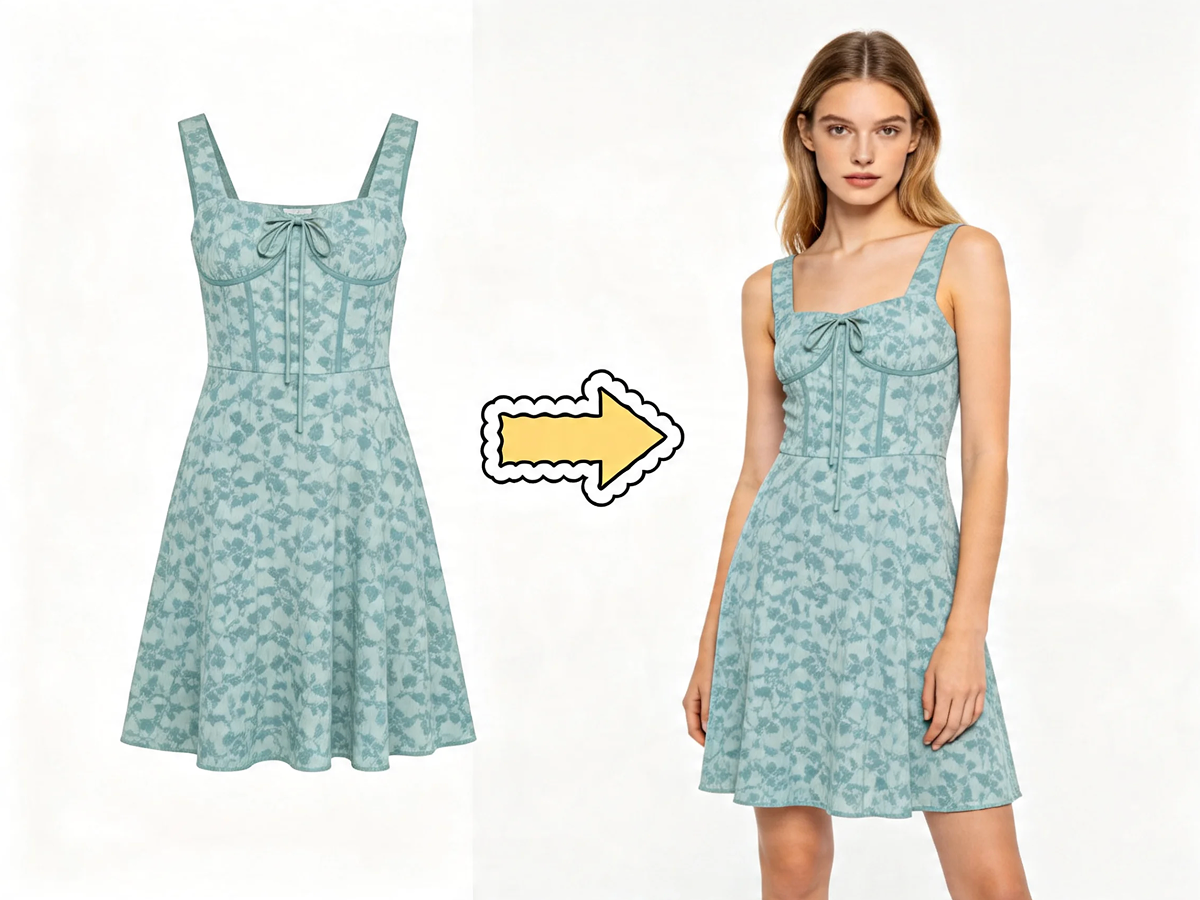

Shopify Seller Li***@gmail.com
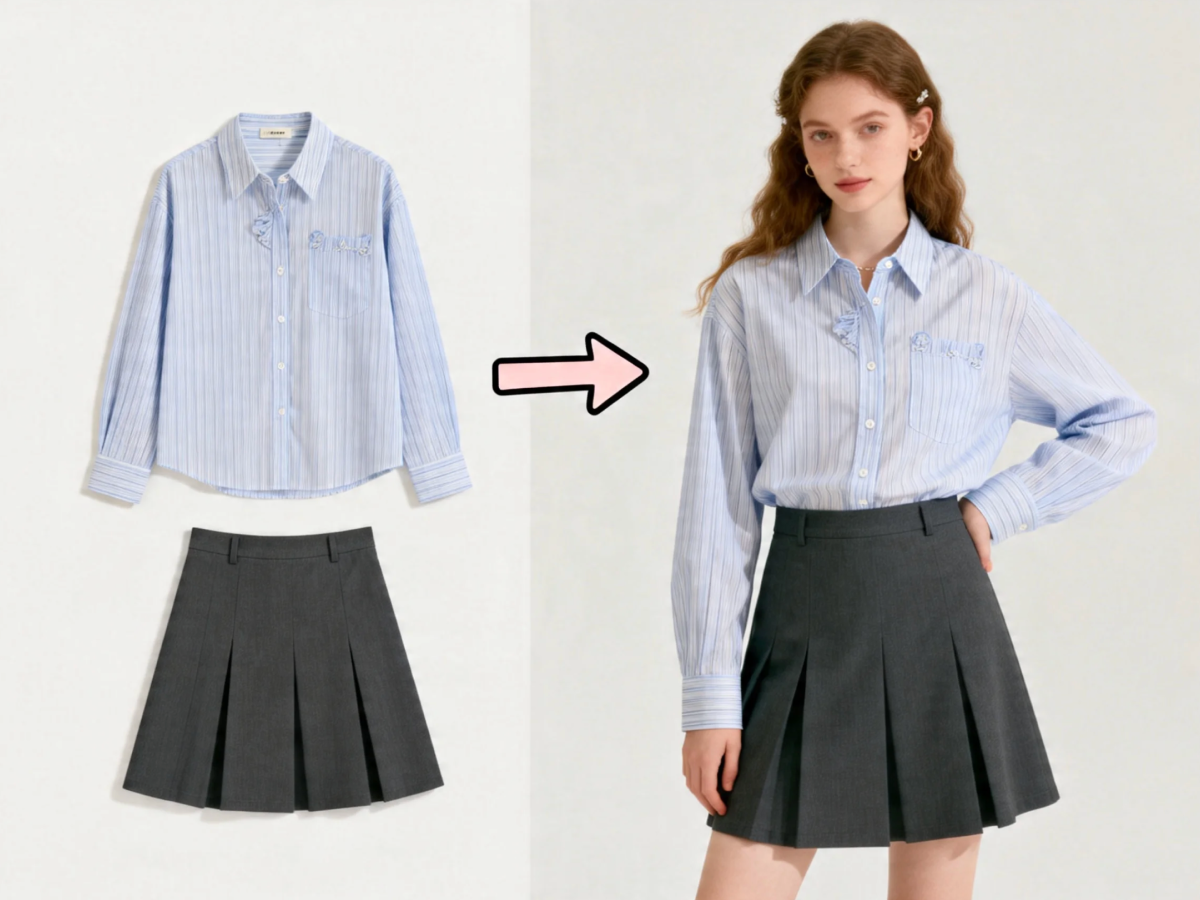

Amazon Seller Fa***@gmail.com

Instagram Seller On***@gmail.com
Comparison
AI Clothes Swapper vs. Traditional Product Shoots
Traditional shoots take time, samples, models, editing, and budget. An AI clothes swapper and AI outfit generator help you test more looks faster, create more variations, and give sellers a useful virtual fitting room before committing to a full shoot.
Faster first draft visuals
Lower cost for routine catalog updates
More model and styling variations
Better for quick decision support, not exact tailoring
User Voices
What People Like About the Workflow
“We used AIAI to test new outfits before booking a studio day. It cut our first-pass review time dramatically.”

Maya ChenEcommerce Manager
“The virtual try-on flow is fast enough for product teams and simple enough for creators who just want better previews.”

Jordan EllisMarketplace Seller
“Our shoppers care about realism and privacy. The upload-first workspace helped us explain the value in one screen.”

Ari GomezGrowth Lead
One-time Purchase
Flexible try-on credit packs
Pay as you go. Top up credits anytime and keep generating cleaner try-on previews.
FAQ
AI Clothes Swapper FAQ
What is an AI clothes swapper?
An AI clothes swapper lets you upload clothing, choose or upload a model, and generate a realistic image of that outfit on the model. It is useful for fast product previews, outfit testing, and ecommerce content.
How can I swap clothes with AI online for free?
Upload a clothing image, choose a model or add your own photo, and generate a preview. A free entry point matters because many users want to test realism before they commit.
Is an AI clothes swapper accurate?
It is useful for seeing style, silhouette, color balance, and overall vibe. It should be treated as a visual decision tool, not a replacement for exact sizing or tailoring.
AI clothes swapper vs. AI clothes changer: what is the difference?
They overlap. AI clothes swapper usually means replacing or previewing garments on a model, while AI clothes changer can also describe broader wardrobe edits, style changes, or model swaps inside an image.
Can I upload my own photo or model image?
Yes. You can choose a preset model or upload your own model photo, which helps clothes swapper results feel closer to the real buyer, creator, or brand audience.
Can I swap top and bottom clothing separately?
Yes. The page supports uploading top and bottom garments together or separately, so users can test single catalog items, matching sets, or complete outfits.
What types of clothing work best?
Tops, dresses, jackets, knitwear, and many full outfits work well. Clean product photos with visible edges usually create the best try-on result.
Do I need to install anything or have technical skills?
No. The experience is browser-based, with no design software, no editing experience, and no complicated setup required.
Is my photo private?
Yes. The page answers this near the uploader and again here because privacy is a repeated concern. Uploads should stay simple, secure, and under your control.
Can sellers use these images for product pages and ads?
Yes. AI clothes swapper, AI outfit generator, and virtual fitting room images work well for ecommerce listings, landing pages, social posts, and ad testing when a seller needs more variations quickly.
Does virtual try on replace sizing charts?
No. It helps people judge style and presentation faster, but sizing charts, measurements, and product details still matter for final purchase decisions.