Start with curated presets
Use system model options for quick tests and a consistent starting point.

Authentication is not available in local preview. Please test sign-in or email verification on the deployed site.
Fashion Model Workflow
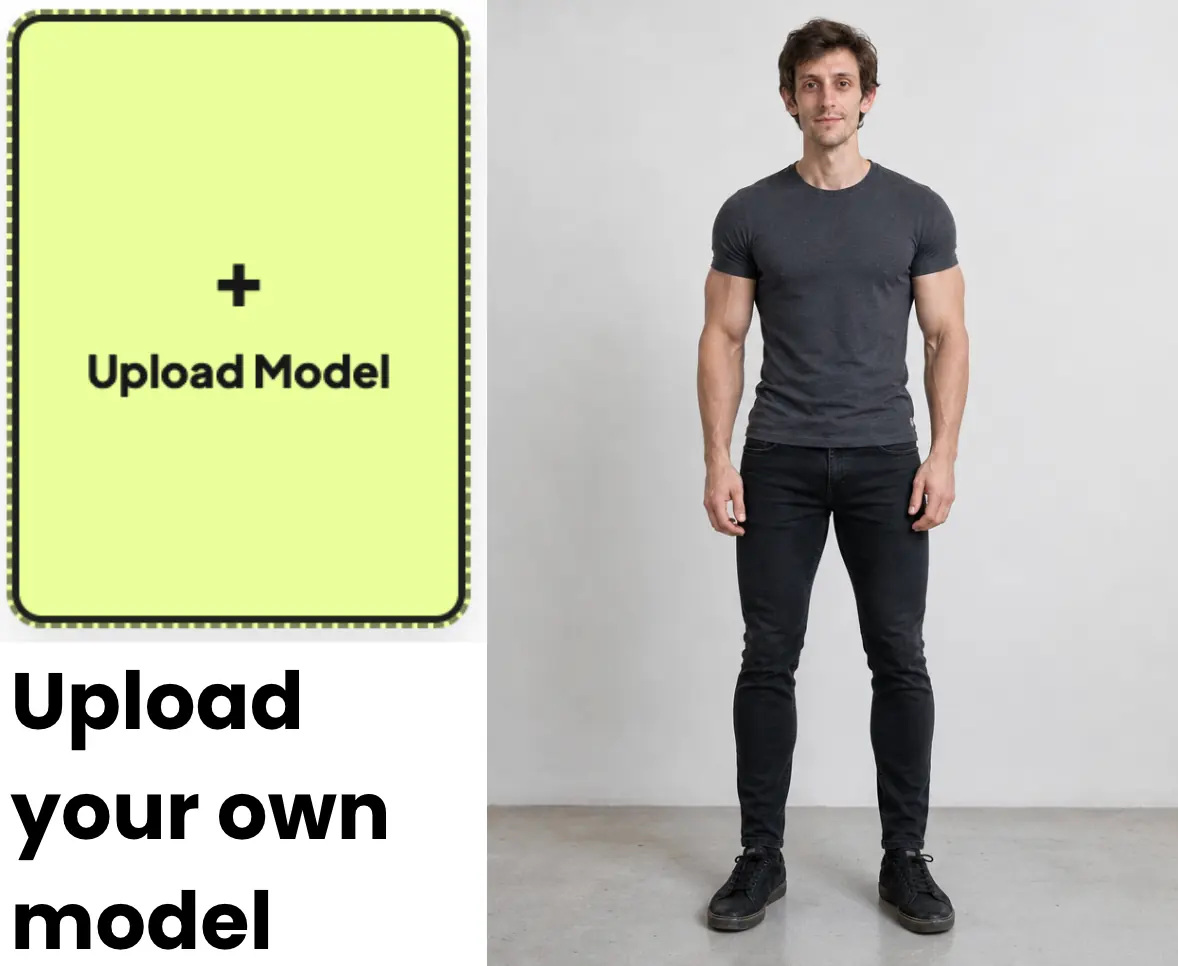
Choose from system presets or upload your own model image, then place clothing into a consistent visual format for product and campaign planning.
Overview
The same piece can communicate a different audience, mood, and use case depending on the model. Fitroom lets you select a preset or supply an appropriate model photo before generating the clothing preview.
This workflow applies clothing to a selected model image. It does not create a fully configurable fictional person from a text prompt.
Why it works
Use system model options for quick tests and a consistent starting point.
Upload a model photo when a campaign, customer, or brand requires a more specific visual direction.
Choose one active model per generation so the intended result remains clear.
How it works
Add a clothing image or separate top and bottom images.
Switch between System Presets and User Upload, then select one model.
Generate the image and review the model, garment, and intended use together.
Use cases
Compare how a product is presented across different model directions.
Reuse approved model imagery to create a more coherent catalog concept.
Upload your own full-body photo to create a more personally relevant preview.
FAQ
Yes. Open the User Upload tab and add a suitable model image.
No. The current Fitroom workflow uses preset model images or an image uploaded by the user.
Use a well-lit, front-facing, full-body image with a clear pose and minimal obstruction.
Start now
Upload a garment, choose a model, and create your first AI virtual try-on in seconds.
Start Free Try-On