Back to Home

AI Clothes Swapper

Swap Clothes Without Reshooting the Model

Turn a garment photo and a model image into a realistic outfit preview. Test new looks, refresh product visuals, and compare clothing combinations online.

  • Browser based
  • Custom model upload
  • Top and bottom support
AI Clothes Swapper
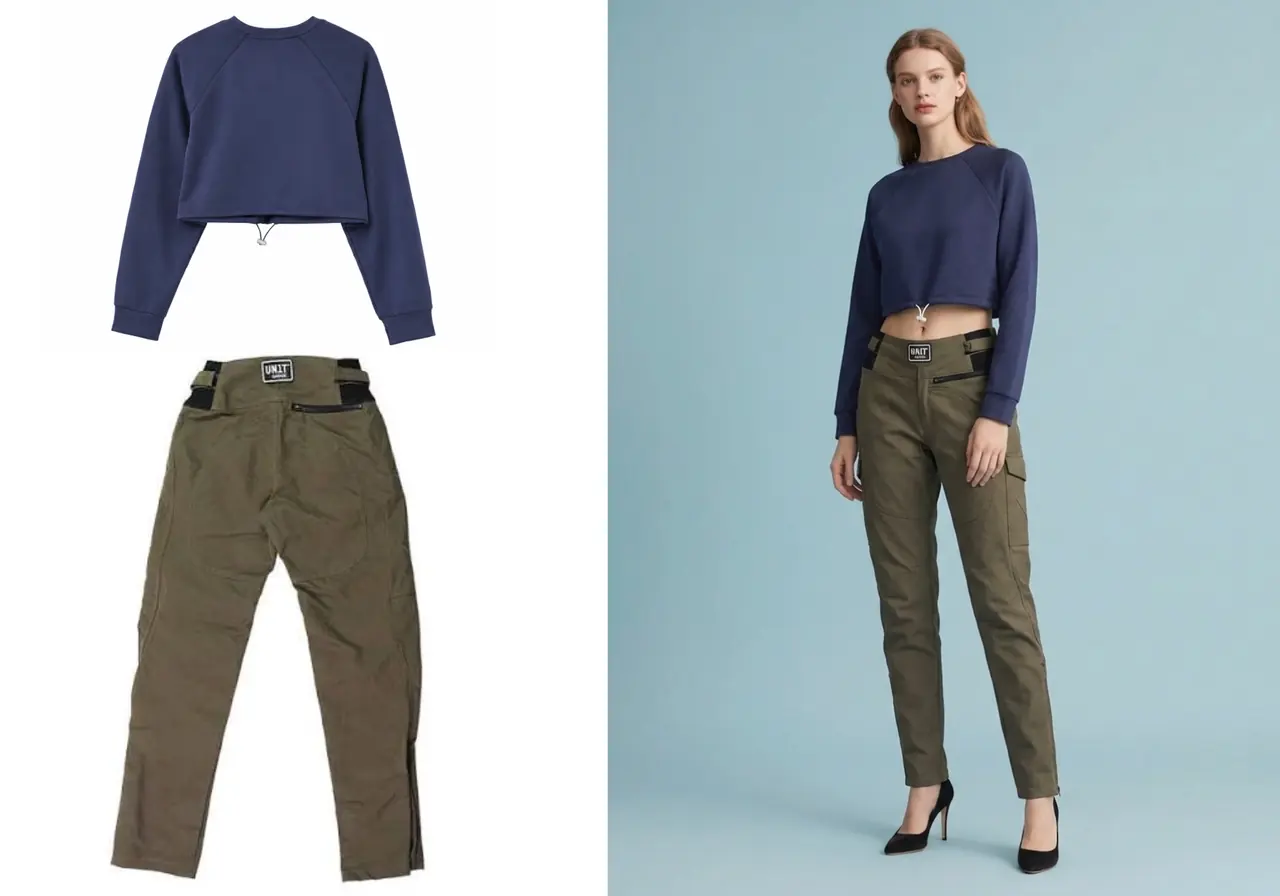
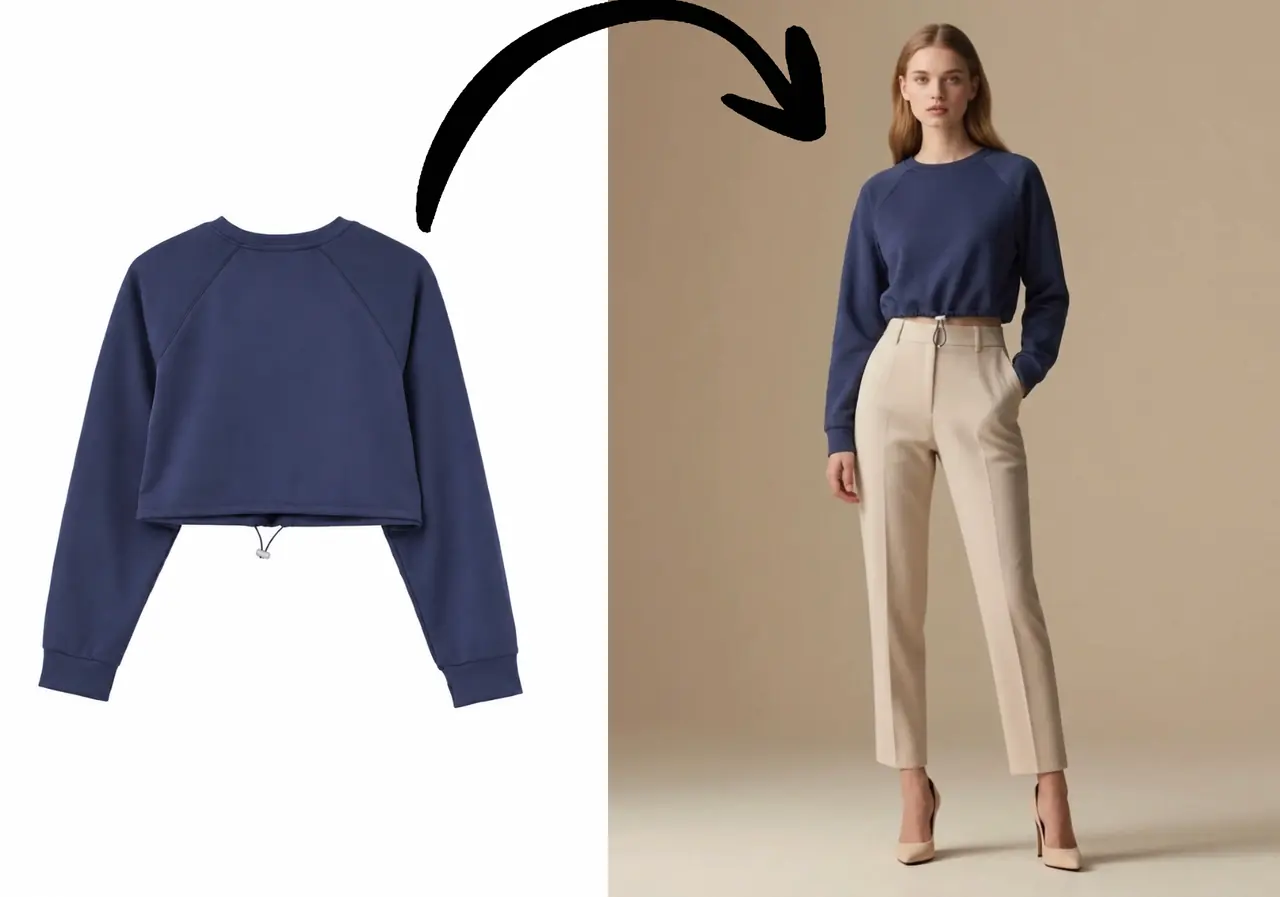
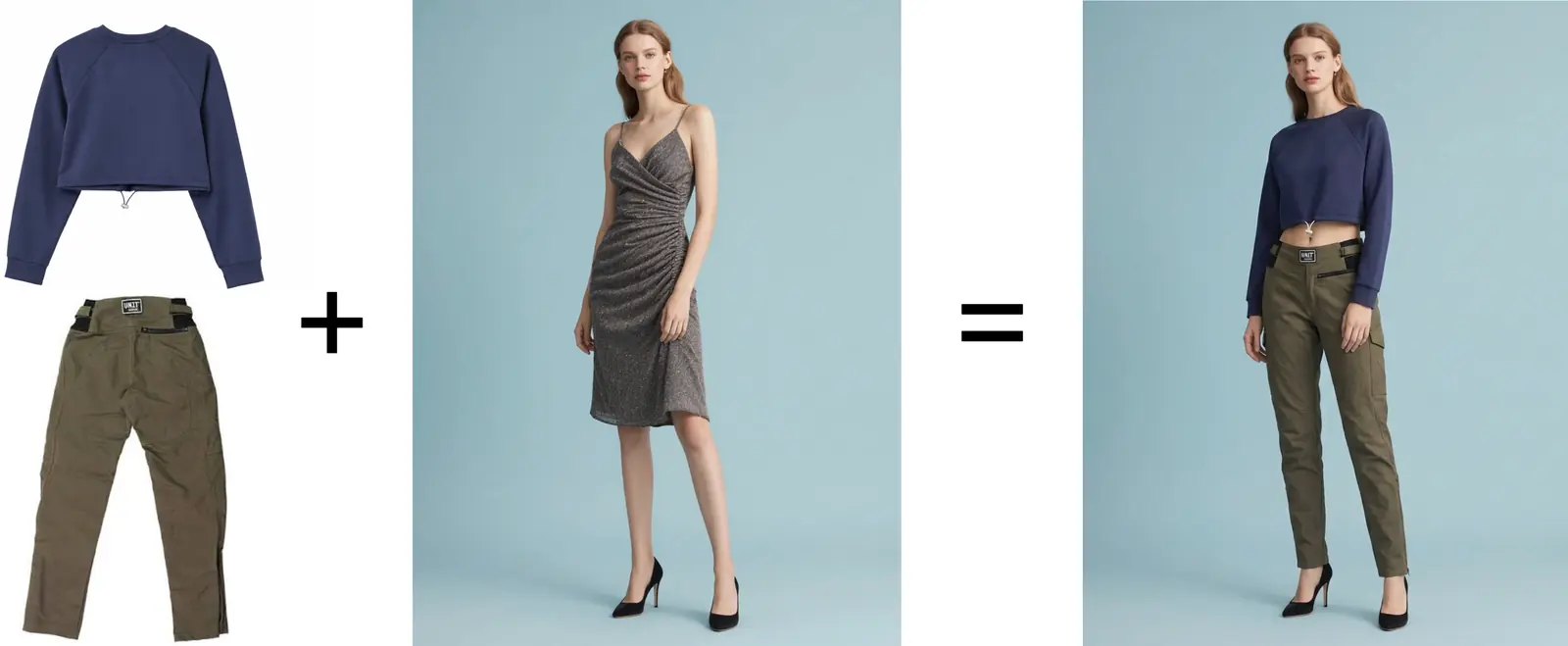
AI clothes swapper workflow showing a garment photo, selected model, and generated try-on result

Overview

A faster way to change clothes in a photo

An AI clothes swapper combines the shape and visual details of a garment with a selected model. It helps you preview a different outfit while keeping the workflow simpler than organizing another photo shoot.

Use the result as a visual preview. Exact sizing, tailoring, and fabric behavior still depend on the real garment.

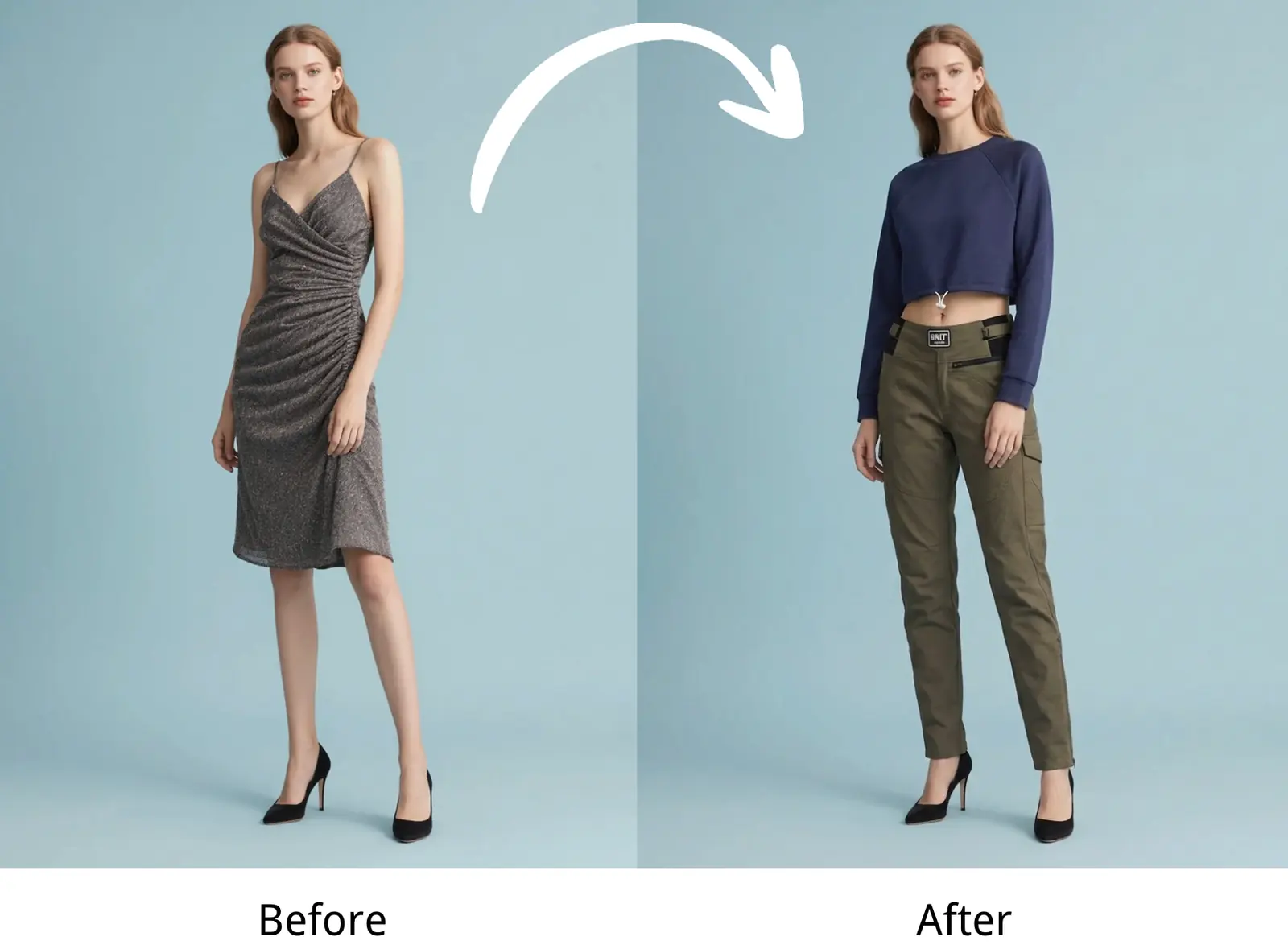
Before and after AI clothes swapper example with an outfit changed on a model
Use before-and-after previews to compare the uploaded clothing with the generated model result.

Real examples

How people can use this page to make a decision

01

Refresh a flat product photo

Problem
A seller has a clean blouse photo, but no on-model image for the new product page.
Workflow
Upload the blouse, choose a preset model with a simple front-facing pose, and generate a model-based preview.
Useful result
The team gets a fast visual reference for styling, crop direction, and whether the blouse needs a real follow-up shoot.
02

Compare one garment across models

Problem
A campaign team wants to know whether the same dress reads better on different model directions.
Workflow
Keep the dress image the same, switch only the selected model, and compare the generated previews side by side.
Useful result
The strongest model direction can be chosen before spending production budget on final photography.
03

Preview a top and bottom together

Problem
A shopper or merchandiser needs to see whether a shirt and trousers work as a complete outfit.
Workflow
Use the separate upload option, add one clear top image and one clear bottom image, then select one model.
Useful result
The output becomes a useful outfit reference instead of two disconnected product photos.

Why it works

A faster way to change clothes in a photo

01

Preserve the garment idea

Keep the color, silhouette, and important visual details of the uploaded clothing visible in the generated result.

02

Choose the right model

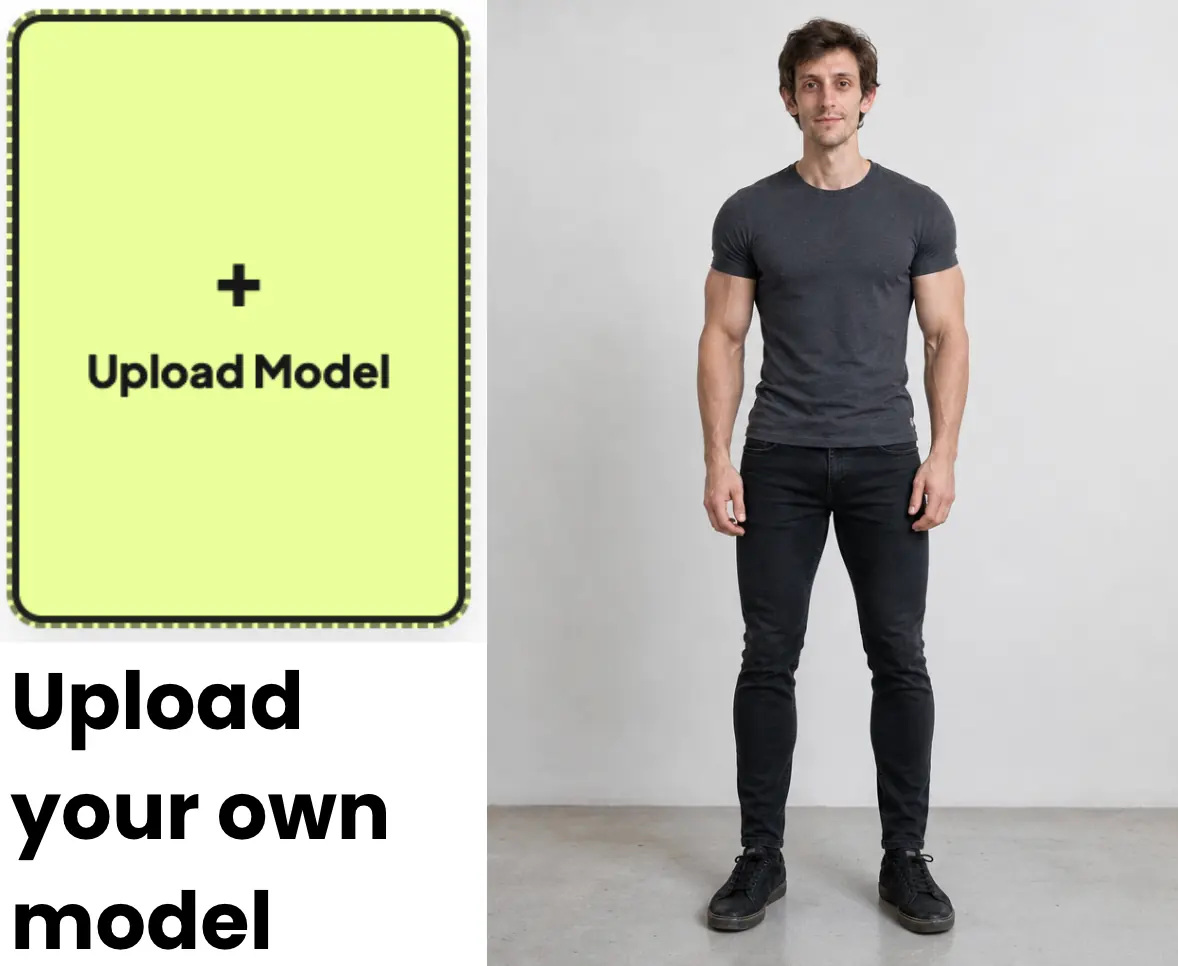
Start with a preset model or upload your own full-body image for a more personal or brand-specific preview.

03

Build complete looks

Upload a combined outfit or provide a top and bottom separately when you need more control over the final combination.

How it works

Upload clothing

  1. 01

    Upload clothing

    Choose a clear product image with visible garment edges and minimal obstruction.

  2. 02

    Select a model

    Use a system preset or upload a suitable front-facing model photo.

  3. 03

    Generate the swap

    Create the preview, compare the result, and download the image you want to keep.

Image requirements

Start with photos the AI can understand

Clear source images make the clothes swap more useful. The tool needs to read garment edges, body position, and visible details before it can create a convincing preview.

Best inputs

  • A front-facing garment photo with the full item visible.
  • Even lighting that keeps fabric color and seams easy to see.
  • A full-body model image with a simple standing pose.
  • One clothing item per upload slot when using separate top and bottom mode.

Avoid

  • Heavy shadows, filters, blur, or low-resolution screenshots.
  • Hands, bags, hair, or props covering the garment shape.
  • Cropped model photos that cut off the head, legs, or torso.
  • Transparent, reflective, or highly complex fabrics when exact detail matters.

Limitations

What to check before you use the result

AI clothes swapper results are useful for previewing style and presentation, but they still need human review before commercial use.

  • Generated clothing may not preserve every logo, seam, button, or small print exactly.
  • The preview does not replace size charts, fit notes, or real product measurements.
  • Unusual poses, crossed arms, extreme camera angles, and layered clothing can reduce accuracy.
  • Sellers should review generated visuals against the real garment and any marketplace rules before publishing.

Use cases

A faster way to change clothes in a photo

Ecommerce catalog refreshes

Preview existing products on a consistent model without rebuilding every product shoot.

Campaign planning

Compare outfit directions before committing budget to models, locations, and production.

Personal outfit checks

See how a garment may look on your photo before making a style decision.

FAQ

Questions, answered

What is an AI clothes swapper?

It is an image tool that places uploaded clothing onto a selected or uploaded model to create a new outfit preview.

Can I swap both a top and bottom?

Yes. You can upload a complete outfit together or provide the top and bottom as separate images.

Which images work best?

Use clear, well-lit clothing photos and a front-facing model image where the body is visible.

Can I use the generated image for ecommerce?

It can support ecommerce workflows, but sellers should review product accuracy, image rights, and platform rules before publishing.

Does the tool show exact fit and size?

No. The output is a visual styling preview and should be paired with accurate product measurements and fit information.

Can I upload my own model photo?

Yes. Use the User Upload model tab and choose a clear full-body image you have permission to use.

Start now

Turn one clothing photo into a clearer preview

Upload a garment, choose a model, and create your first AI virtual try-on in seconds.

Start Free Try-On