Support common top categories
Work with clear images of shirts, T-shirts, knitwear, blouses, and similar upper-body garments.

Authentication is not available in local preview. Please test sign-in or email verification on the deployed site.
Top Try-On
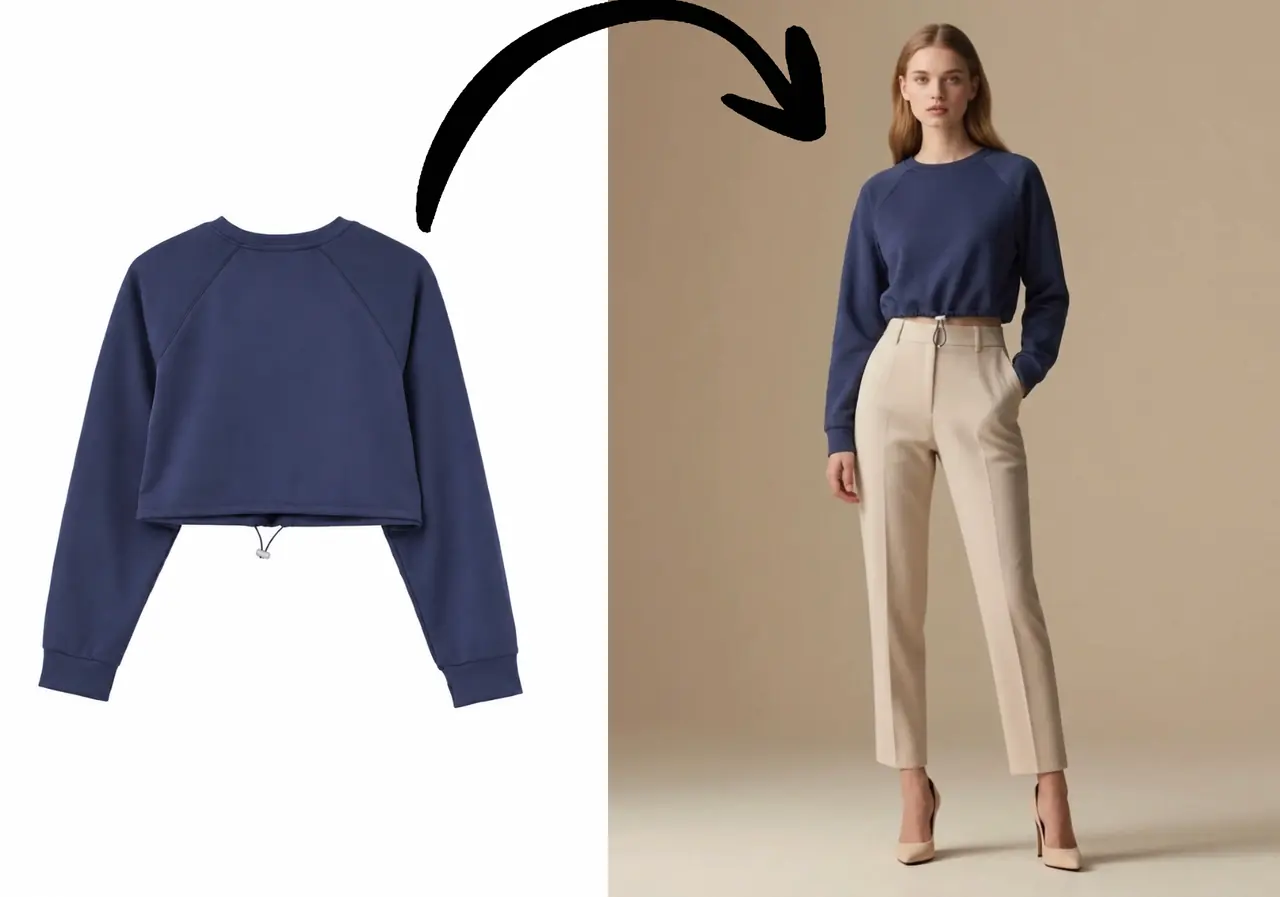
Preview how a top shapes an outfit, then combine it with a bottom for a more complete model-based look.
Overview
A top is rarely evaluated alone. Neckline, sleeve shape, length, and the relationship with a bottom all affect how it reads. Virtual try-on makes those styling decisions easier to explore.
For separate outfits, upload the top and bottom into their labeled slots instead of combining both garments into one source photo.
Why it works
Work with clear images of shirts, T-shirts, knitwear, blouses, and similar upper-body garments.
Add a separate bottom image when the combination matters to the result.
Keep one model selected while testing multiple top or outfit directions.
How it works
Choose an image with visible sleeves, neckline, and lower edge.
Switch to separate upload when you want to control both parts of the outfit.
Create the preview and compare the full upper-body presentation.
Use cases
Add model context to tops that currently use flat or mannequin photography.
Explore which bottoms best complement a featured shirt or sweater.
Preview a top and bottom combination before deciding on a purchase.
FAQ
Yes. Use the together option for a single clothing image or add a bottom separately when needed.
A flat, unfolded, front-facing garment usually provides clearer visual information.
Generate each option with the same selected model to make the comparison more consistent.
Start now
Upload a garment, choose a model, and create your first AI virtual try-on in seconds.
Start Free Try-On